What is EmailStitch?+
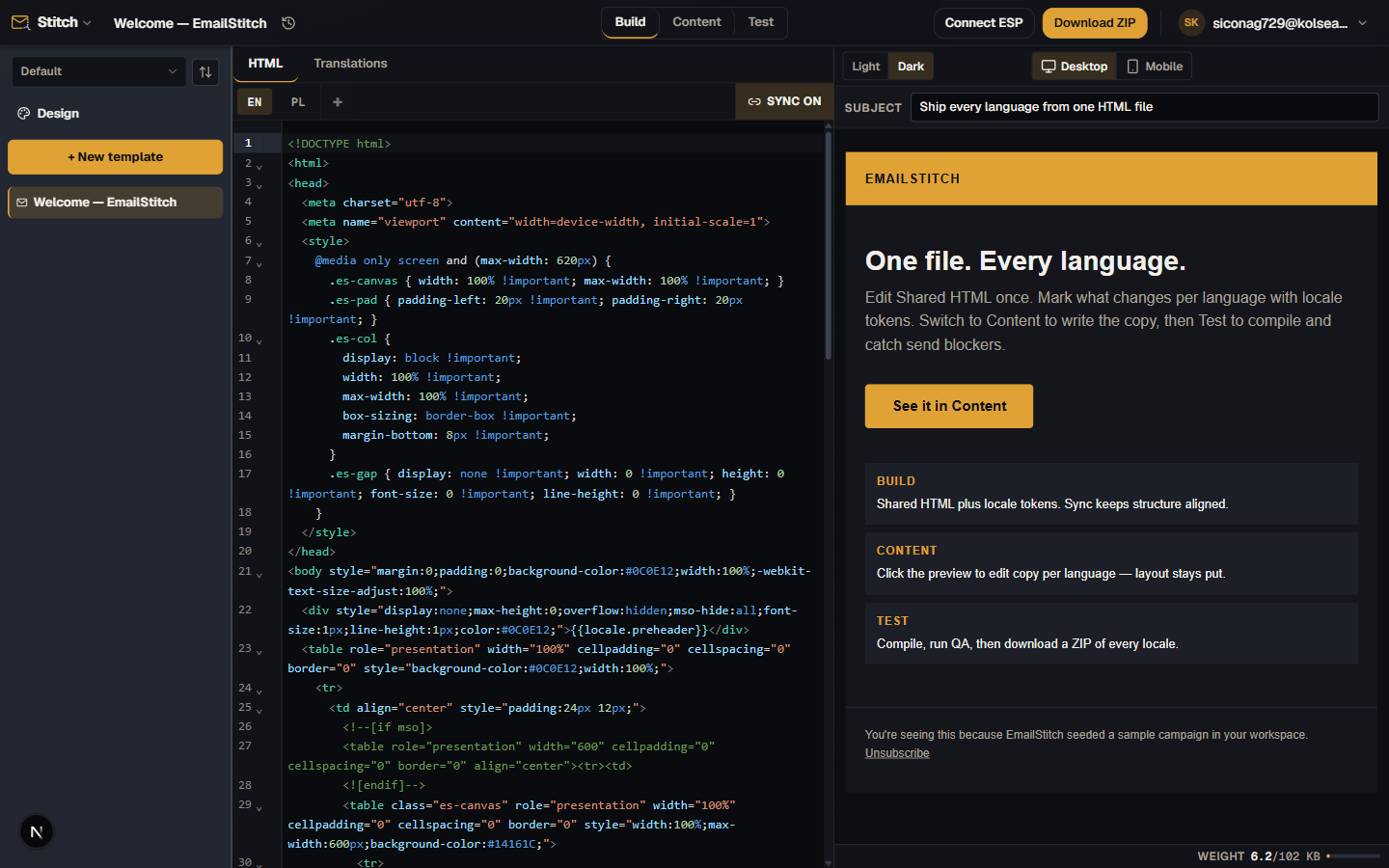
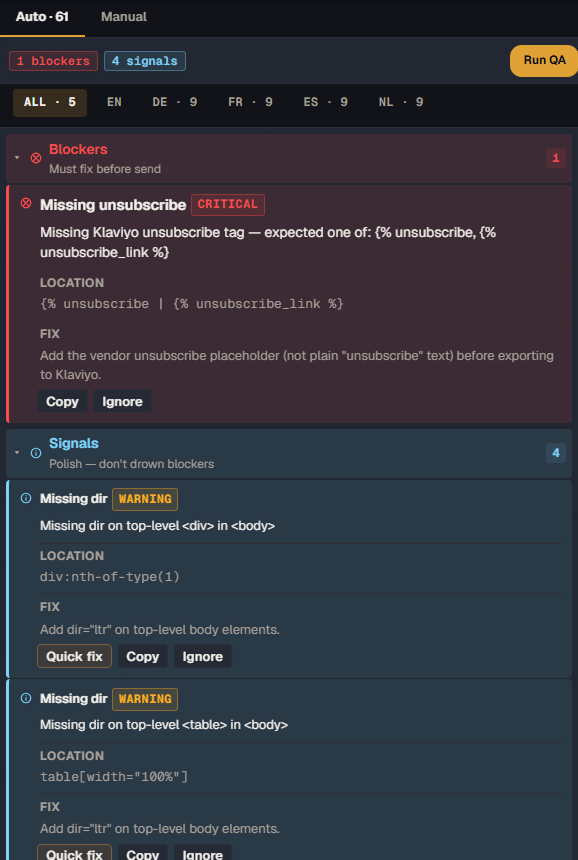
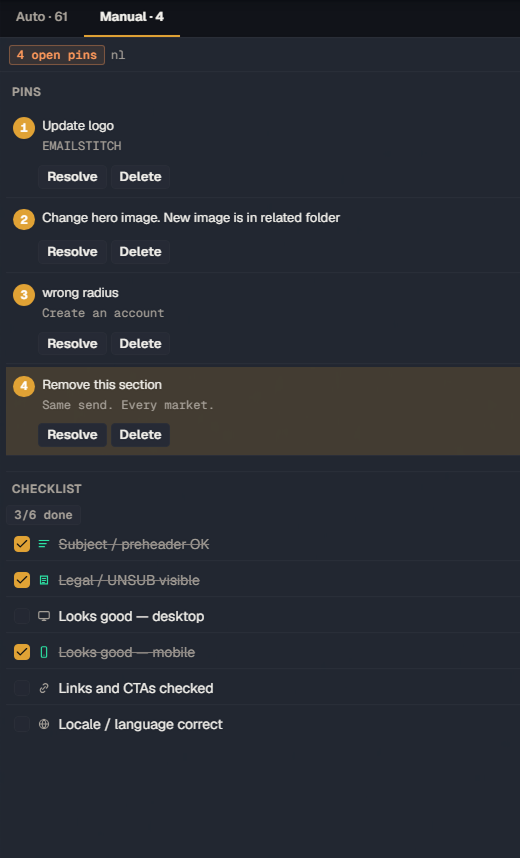
EmailStitch is an end-to-end email production workspace. Teams build HTML, edit content, manage language versions, run QA, and push production-ready templates to Mailchimp, Klaviyo, Brevo, or a ZIP around one shared template.
Who is EmailStitch for?+
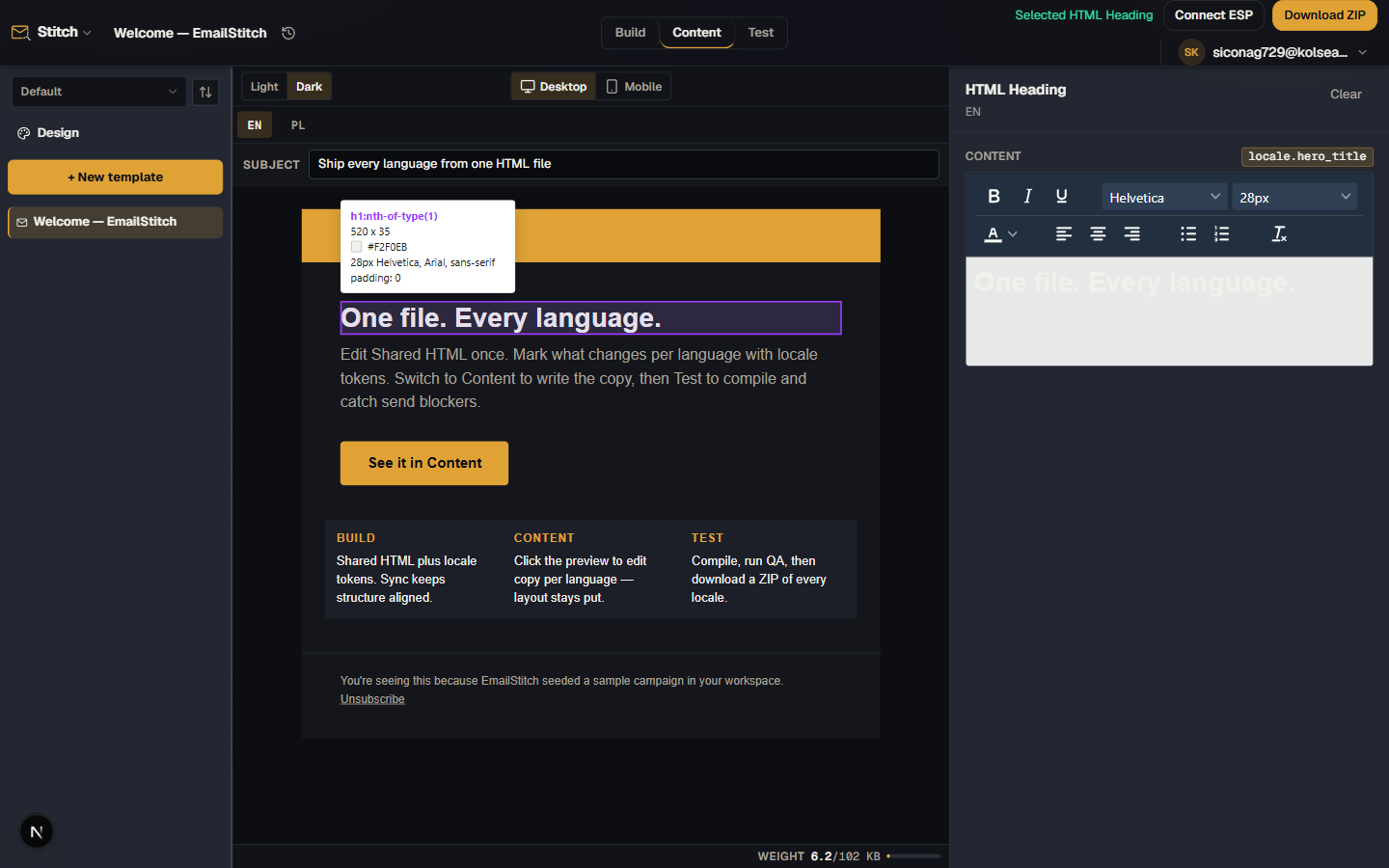
Email teams where developers, marketers or content, localization, QA, and CRM or ops all contribute to production email templates. Each role works on the same template in the step they own.
How do I get started?+
Create a free account at app.emailstitch.com. No credit card required. The free plan includes 3 templates, 2 locales per template, ZIP export, ESP push, and the full QA engine.
Does EmailStitch replace my ESP?+
No. EmailStitch handles the production workflow before sending: build, content, localization, and QA. Your ESP remains responsible for campaign sending and list management.
How is EmailStitch different from an email builder?+
EmailStitch is not primarily a drag-and-drop design tool. It is a production workspace for HTML email templates: shared structure, safe content editing, localization, automated plus manual QA, and ESP delivery.
How do multilingual templates actually stay in sync?+
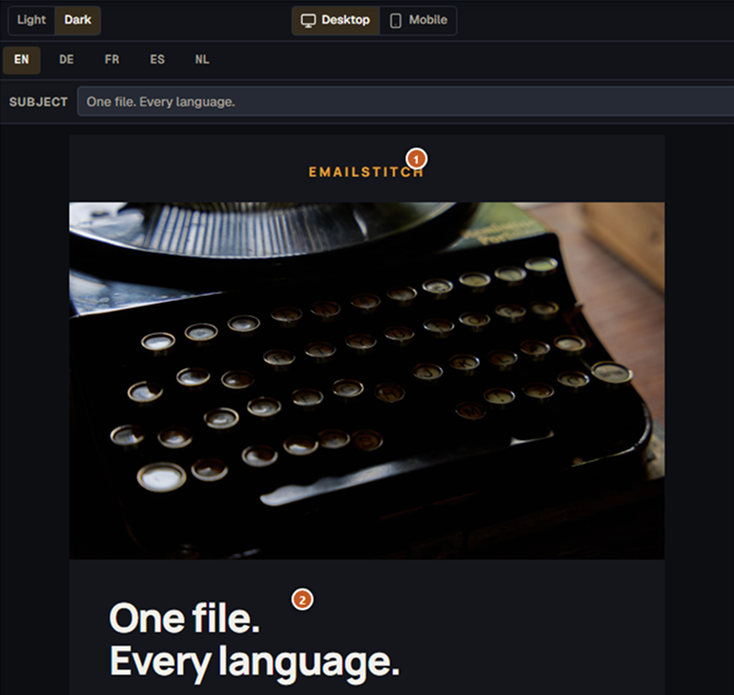
You write one Shared HTML file with {{locale.key}} tokens. Each language version compiles from that source, and Sync keeps them aligned when the structure changes. Turn Sync off for a version that needs to diverge. Links auto-remap per locale.
Does EmailStitch send campaigns or manage my lists?+
No. EmailStitch builds, localizes, and QA-checks templates, then exports files or pushes templates to your ESP. Sending and list management stay in Mailchimp, Klaviyo, or Brevo.
Is it safe to connect my ESP API keys?+
Yes. ESP API keys are encrypted at rest and never returned in plain text once saved. EmailStitch only uses them to push templates. It cannot send campaigns or touch your lists.
How is EmailStitch different from Stripo or Parcel?+
Stripo is a drag-and-drop builder. Parcel is a code editor for a single email. EmailStitch is a production workspace: shared HTML across language versions, marketer-safe Content mode, ranked QA, and ESP push. See vs Stripo and vs Parcel.